


Description
catalogue
1.3 1.3 Functional Features 4 4
1.5 1.5 Static Electricity Testing Standards (Internal Testing Standards) 5 5
1.6 1.6 Operating Instructions 5 5
1.7 1.7 External Dimensions 6 6
1.8 1.8 Lighting Indicators 6 6
1. Product Overview
1.1 summary
GW07-WIFI is a Bluetooth gateway designed for use in conjunction with the Wishoe/LDlock/WisApartment/LDRenting
Bluetooth lock solution. It is suitable for a wide range of scenarios, including homes, apartments, guesthouses, rental
properties, public rental housing, hotels, schools, and offices; when paired with a Bluetooth lock, it enables networked
communication for door locks.
In terms of connectivity, the gateway supports communication with smart locks via BLE (Bluetooth Low Energy) and can
connect to a server via Wi-Fi. The gateway offers two network configuration methods—Wi-Fi hotspot and
Bluetooth—making deployment flexible and convenient.
Compared with other gateway products under Wishoe/LDlock/WisApartment/LDRenting, the GW07-WIF’s standout
advantage lies in its support for a Bluetooth ad hoc networking solution. This feature eliminates the need for manual
pairing between the gateway and the door lock, significantly improving installation and management efficiency.


Wishome wisApartments
1.2 Product image
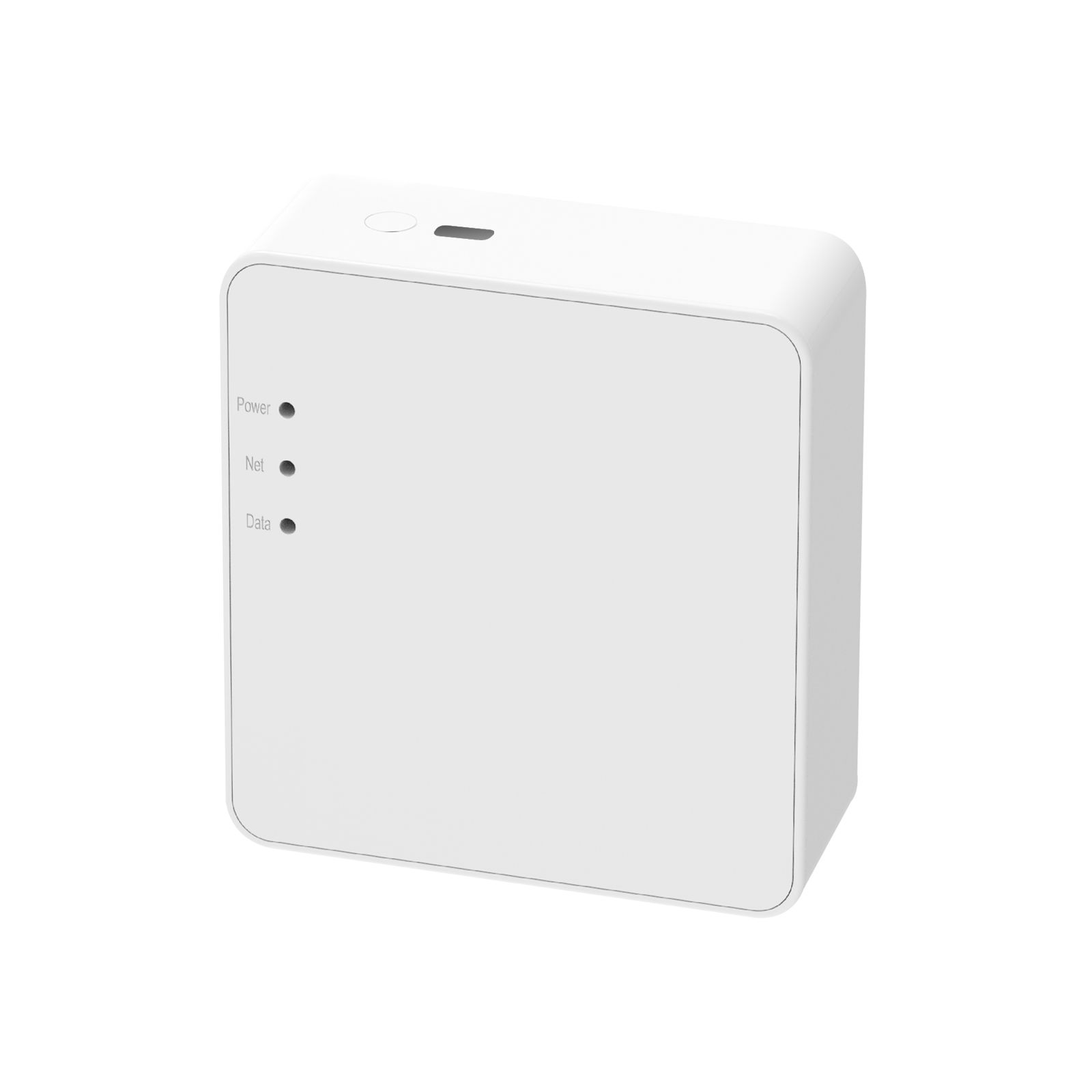
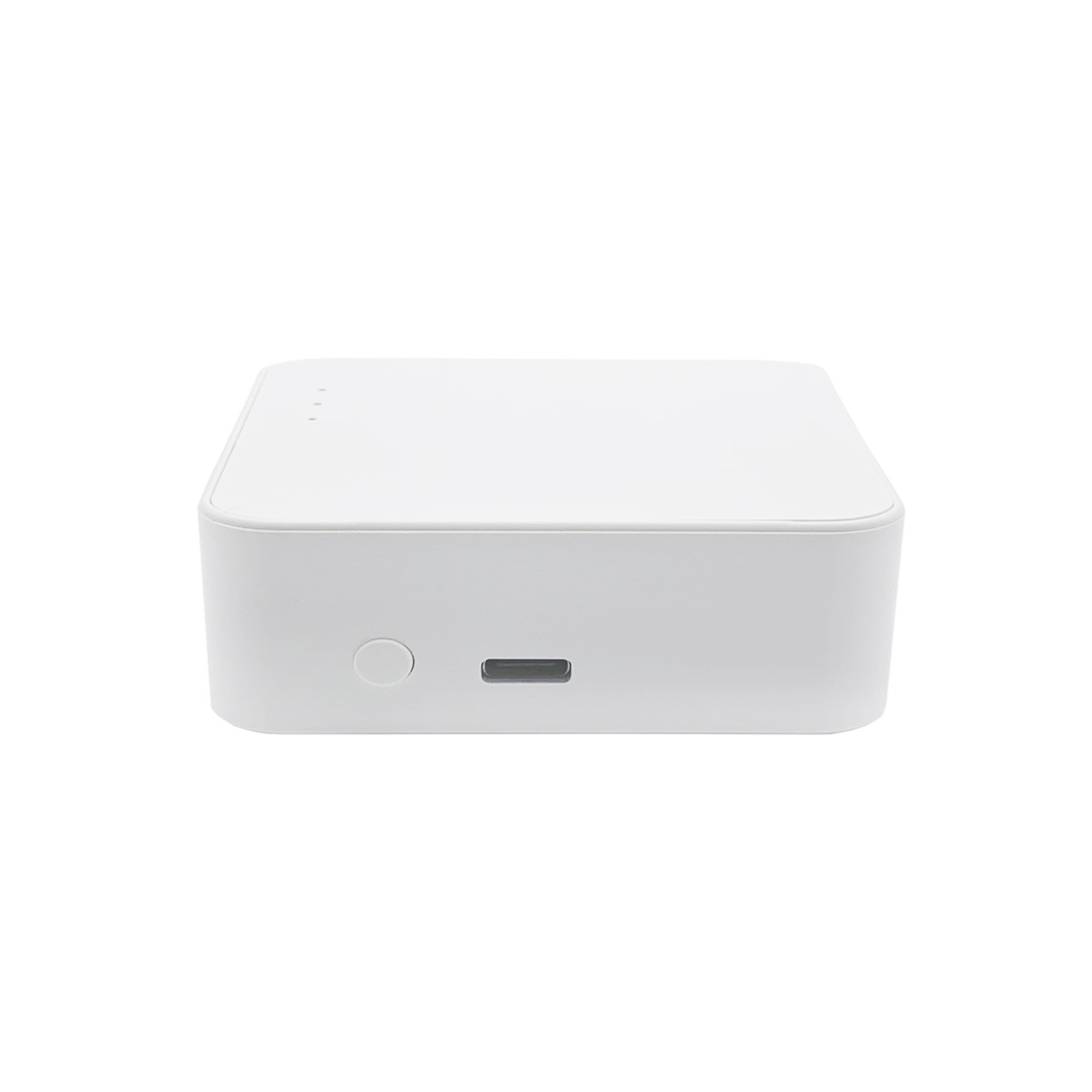
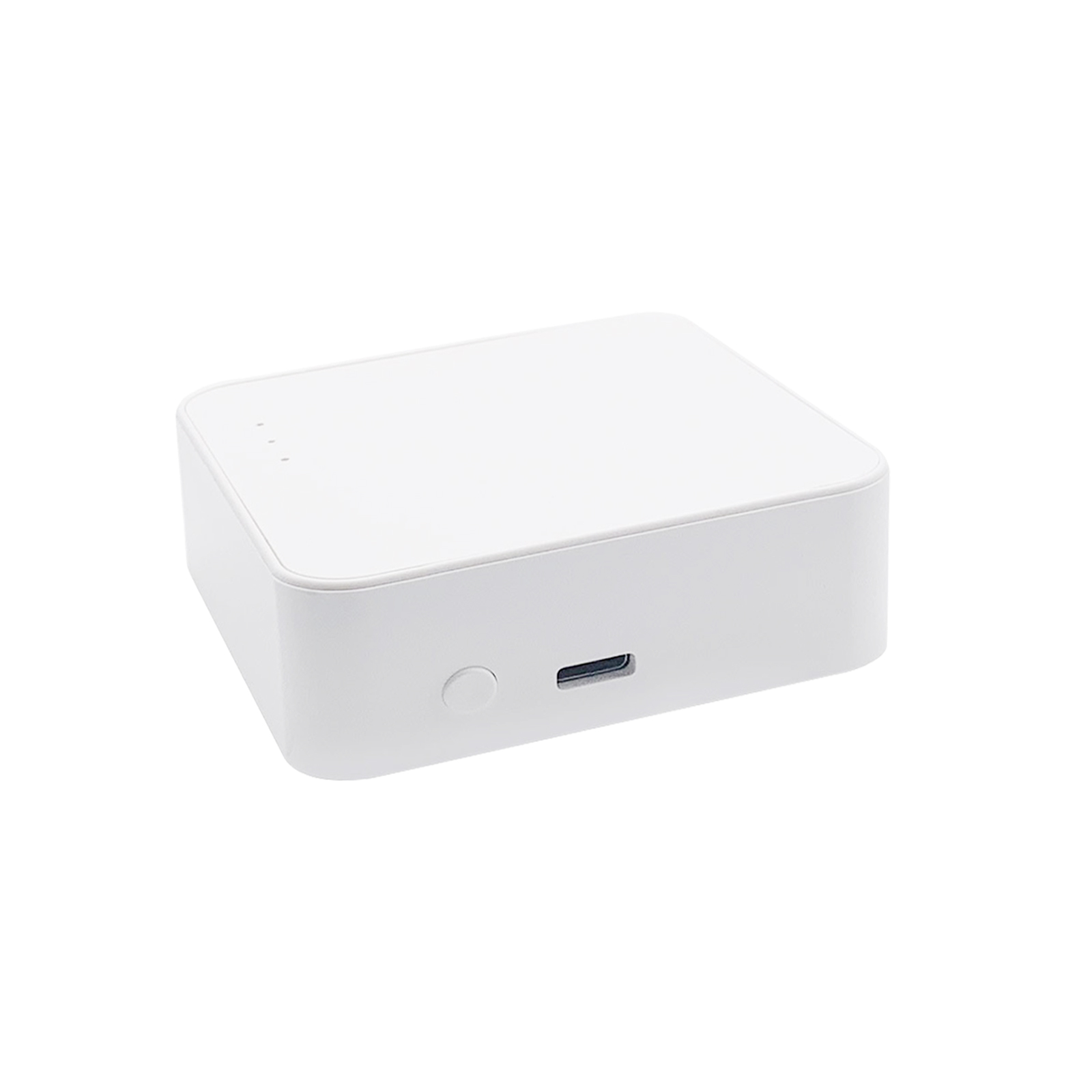
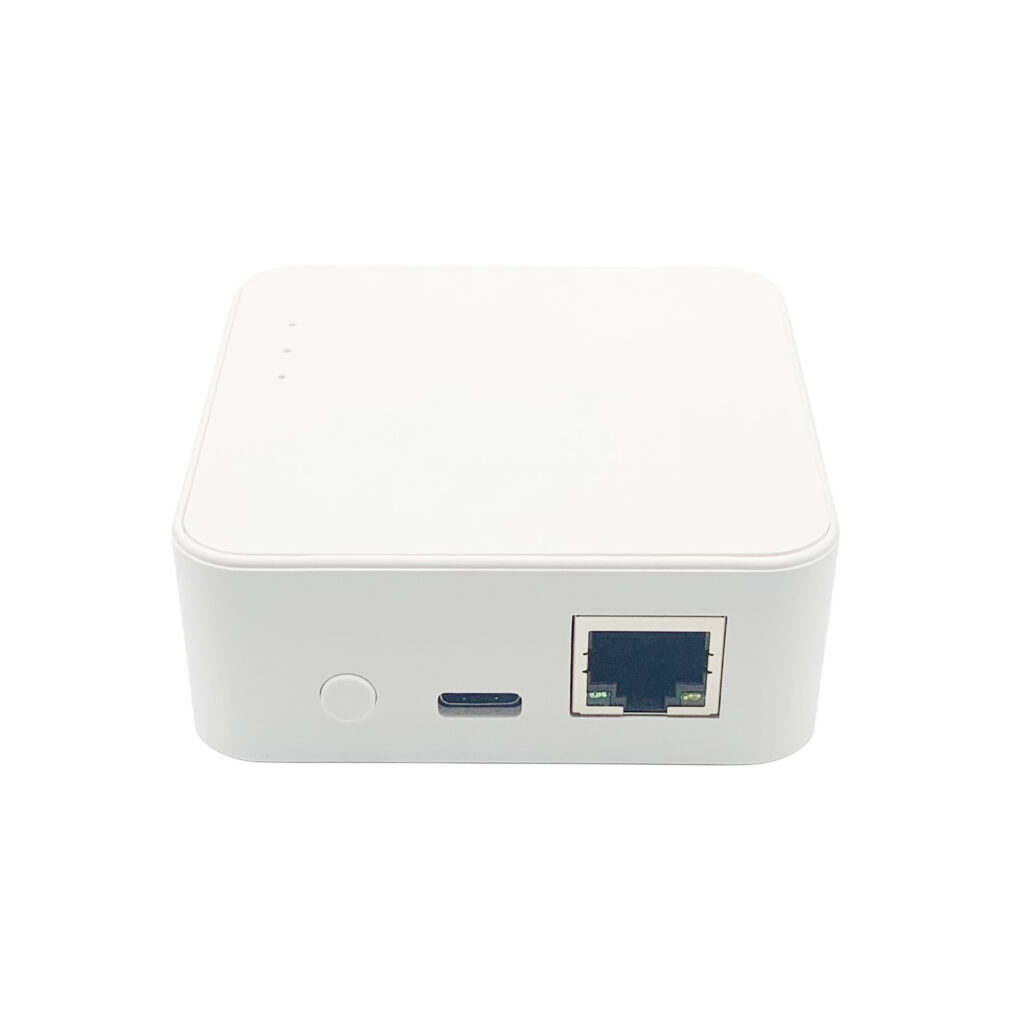
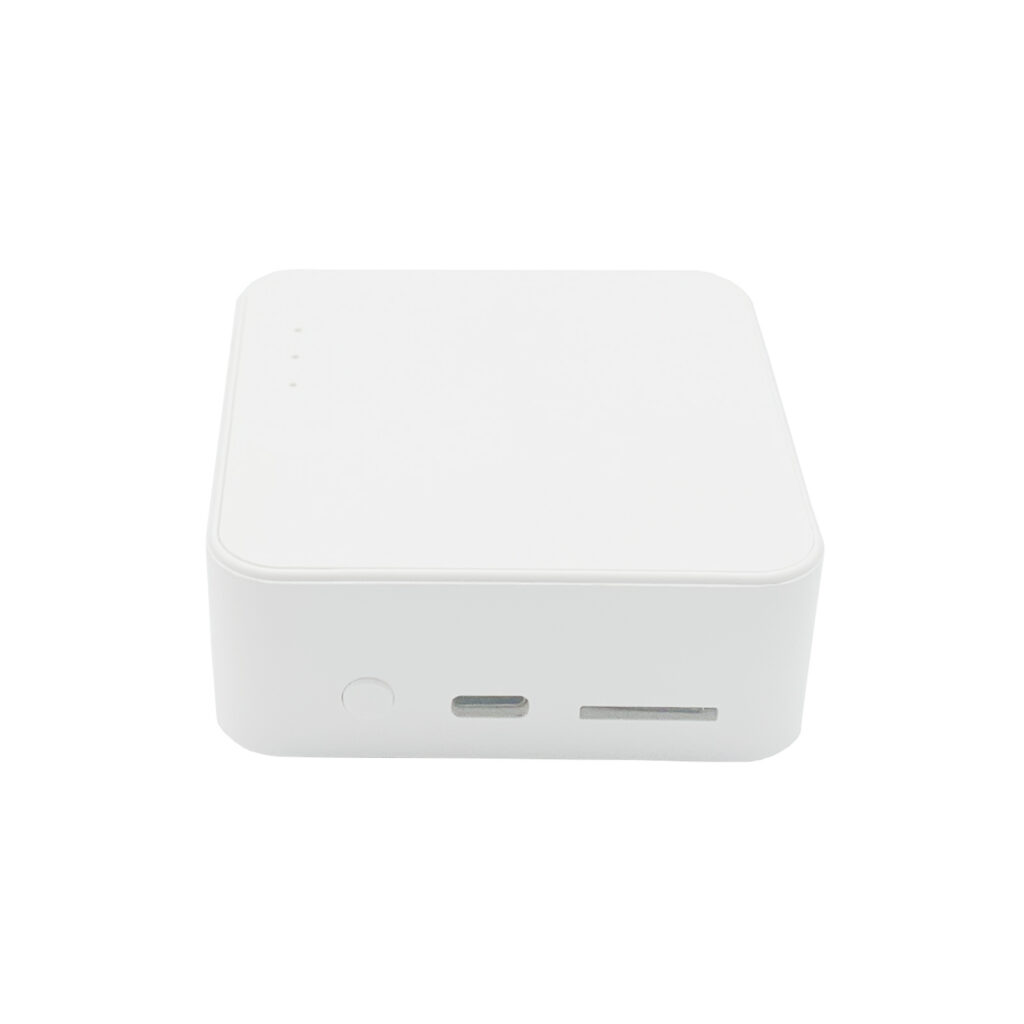
As shown in Figure 1.1, this is the product image of the GW07-WIFI.
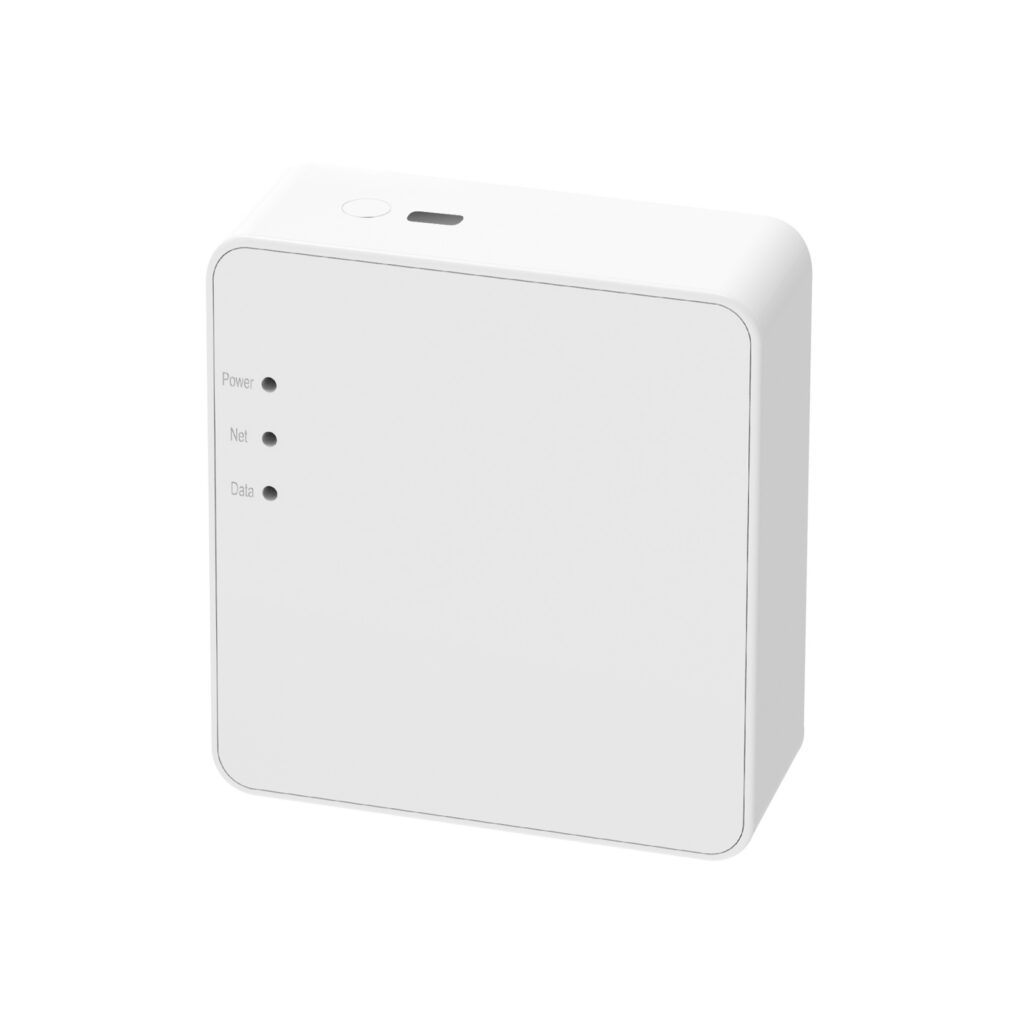
Figure 1.1: GW07-WIFI product image
1.3 functional characteristics
- Support BLE connectivity for smart locks
- Support for configuring a gateway via Wi-Fi hotspot/Bluetooth
- Supports BLE ad hoc networking communication protocol
1.4 function Introduction
As shown in Table 1.1, the following is an overview of the functions of the GW07-WIFI gateway.
Table 1.1 GW07-WIFI Gateway Specifications
|
function |
parameter |
|
way of encryption |
n RSA 1024 asymmetric encryption algorithm n AES128 |
|
Wireless Standard |
n BLE 4.2 Bluetooth LE Standard |
|
BLEstandard |
n Frequency range: 2402 MHz–2480 MHz n Wireless channels: 40 n Communication range: 10 m in an unobstructed area |
|
Internet connectivity |
WIFI |
|
Distribution network mode |
Supports Wi-Fi hotspot / Bluetooth network pairing |
|
voltage range |
5v |
|
working temperature |
-10~65℃ |
|
relative humidity |
20%~93% |
|
Size Description |
79.09mm x 71.09mm x 27mm |
|
Software Support |
Wishome , WisApartment , Ldlock , LDRenting |
1.5 Electrostatic Testing Standard (Internal Testing Standard)
Electrostatic discharge immunity test, GB/T 17626 Standard, Level 4.
1.6 operation declaration
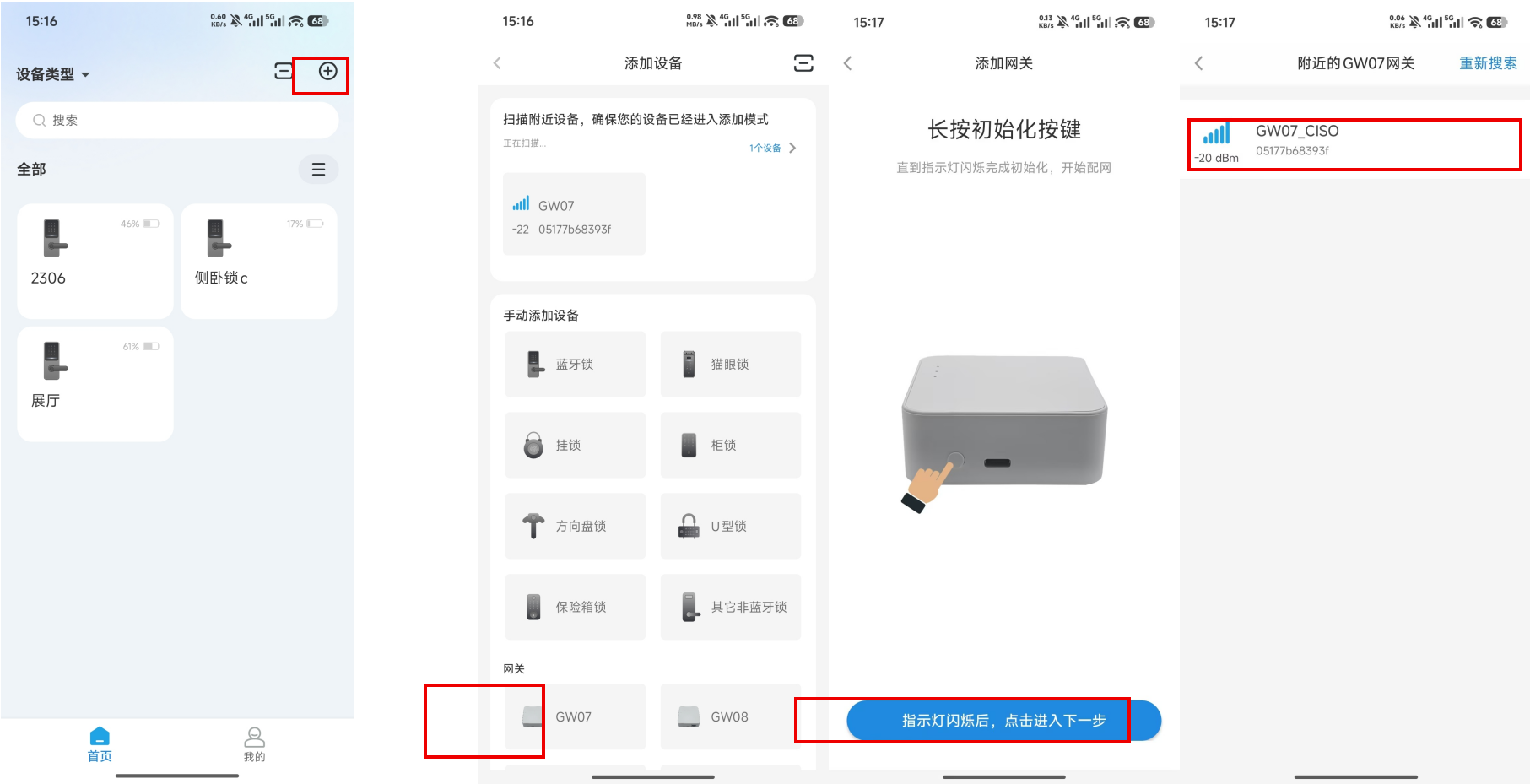
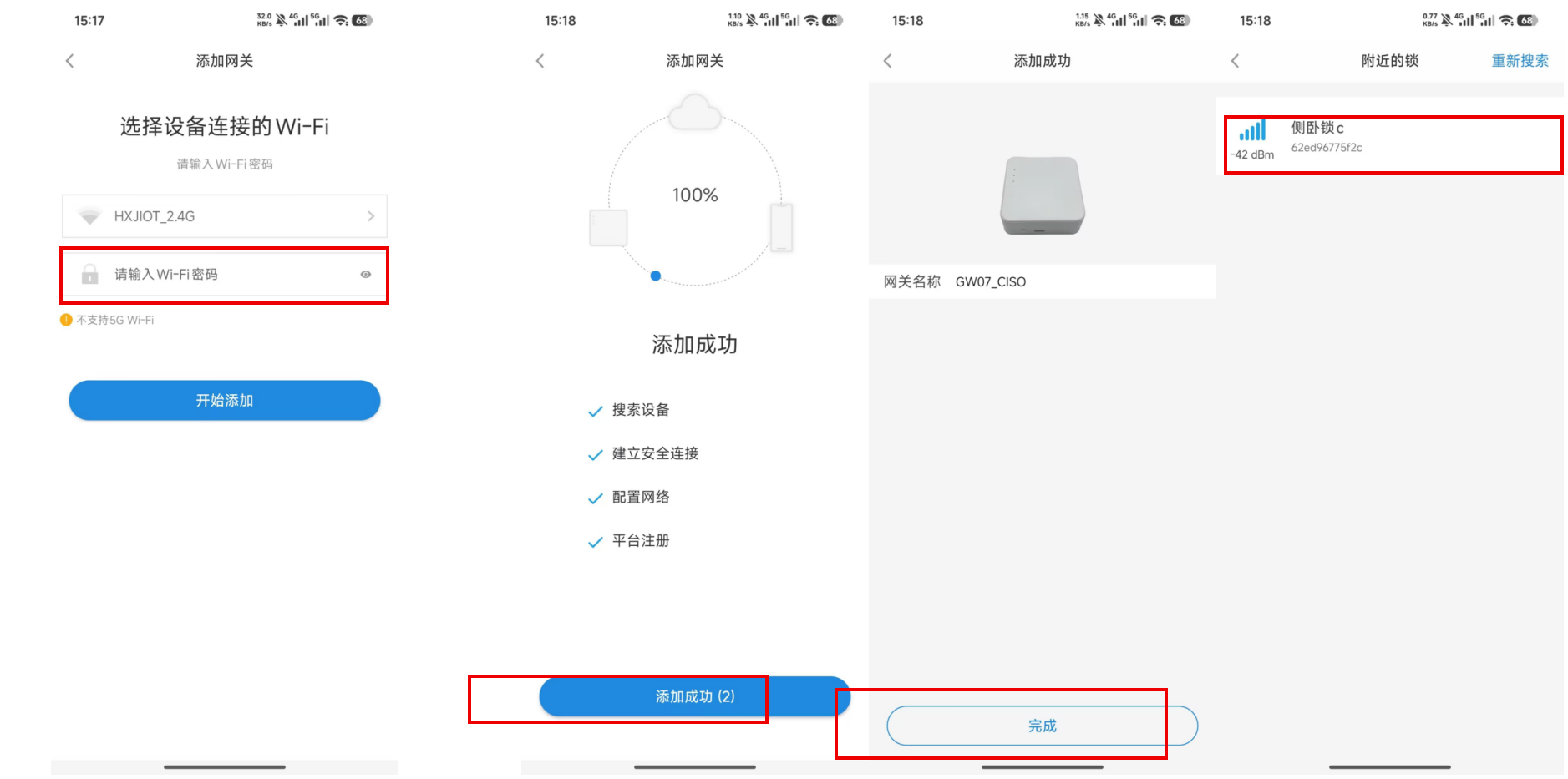
Log in to the Wishoe/LDlock/WisApartment/LDRenting app, tap “+” in the upper-right corner, select “GW07” gateway, press and hold
the gateway initialization button, tap “Next,” tap “Search” to locate the GW07 gateway you wish to add, enter the Wi-Fi name and
password, and tap “Start Adding.” Wait until the gateway has been successfully added; the added GW07 gateway will then automatically
search for and bind to nearby door locks, eliminating the need for manual binding.
1.7 External dimensions
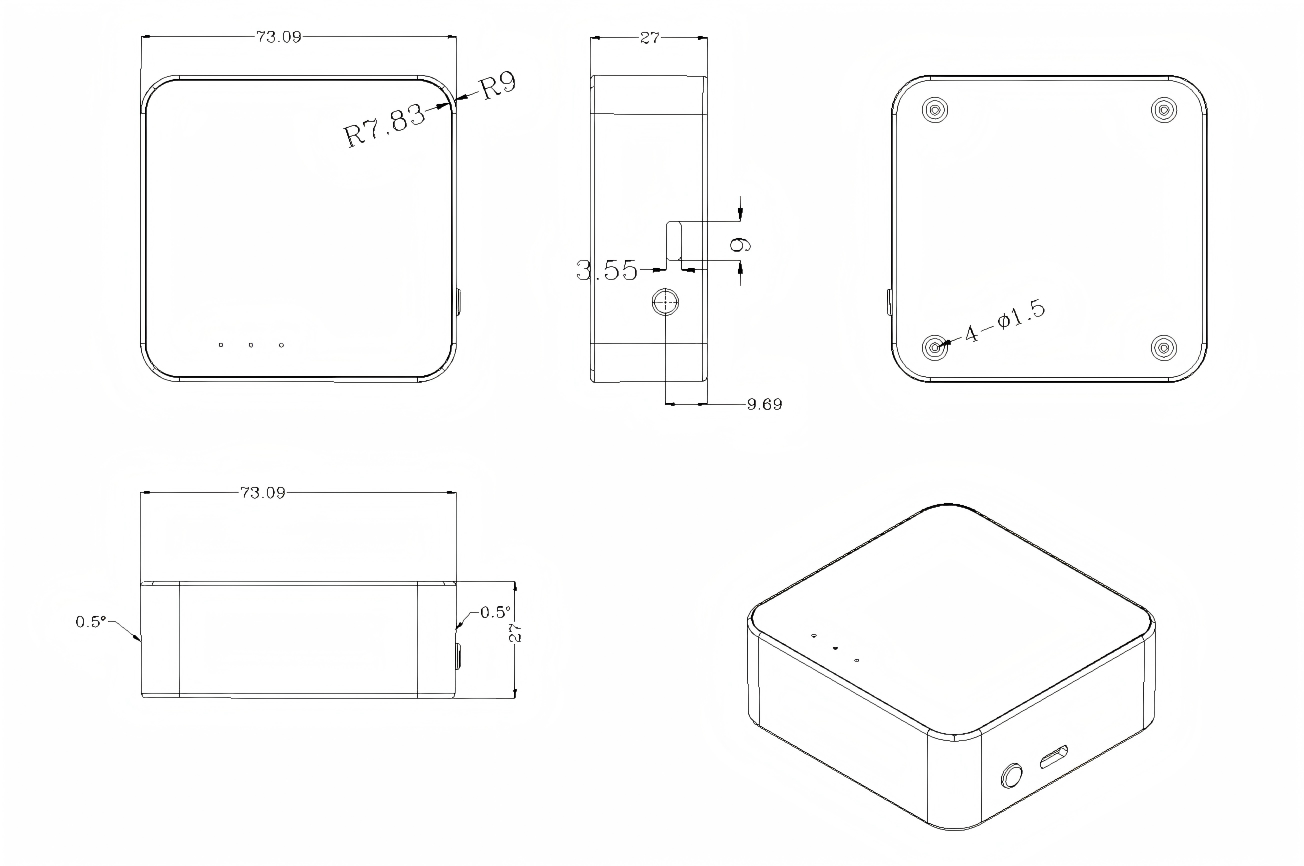
Figure 1.2: External dimensions of GW07-WIFI
1.8 Lighting indication
|
function |
Lighting Indicator Instructions |
Operating Instructions |
|
Initialize the gateway |
Network indicator light flashing (10 times per second) |
Press and hold the initialization button |
|
Acquiring IP address |
Network indicator light flashes (3 times per second) |
—— |
|
Router connection established; connecting to the cloud |
Network indicator light flashes slowly (once every 1 second) |
—— |
|
Cloud connection successful |
Network indicator light: continuously lit |
—— |
|
Gateway and Cloud Communication |
The network indicator light turns on and off once. |
—— |
|
OTA |
Network/Bluetooth indicator lights flash alternately rapidly (10 times per second) |
—— |
|
Bluetooth slave mode |
Bluetooth indicator light is off |
—— |
|
Bluetooth Host Mode |
Bluetooth indicator light remains constantly lit |
—— |
|
Send data in Bluetooth host mode |
The Bluetooth indicator light turns on and off once. |
—— |
Reviews
There are no reviews yet.