


Description
GW05 -Specification document Click to download the document
catalogue
1.3 1.3 Functional Features 4 4
1.5 1.5 Operating Instructions 5 5
1.6 1.6 External Dimensions: 6 6
1. Product Overview
1.1 summary
The GW05 is an intelligent lock gateway specifically designed for connected engineering lock systems. The GW05 smart gateway is suitable for providing indoor network coverage in a variety of commercial lock applications, including apartments, guesthouses, public rental housing, hotels, schools, and cabinet locks. Based on the LDRenting Connected Engineering SaaS platform, it also supports multiple deployment solutions, including public cloud and private cloud deployments.
GW05 supports Sub-1G (433 MHz) and BLE connections for smart locks, and supports Ethernet connections to servers. It supports Wi-Fi hotspot configuration, enables automatic or static IP-based connections to the server, and provides the capability to customize the server IP address.
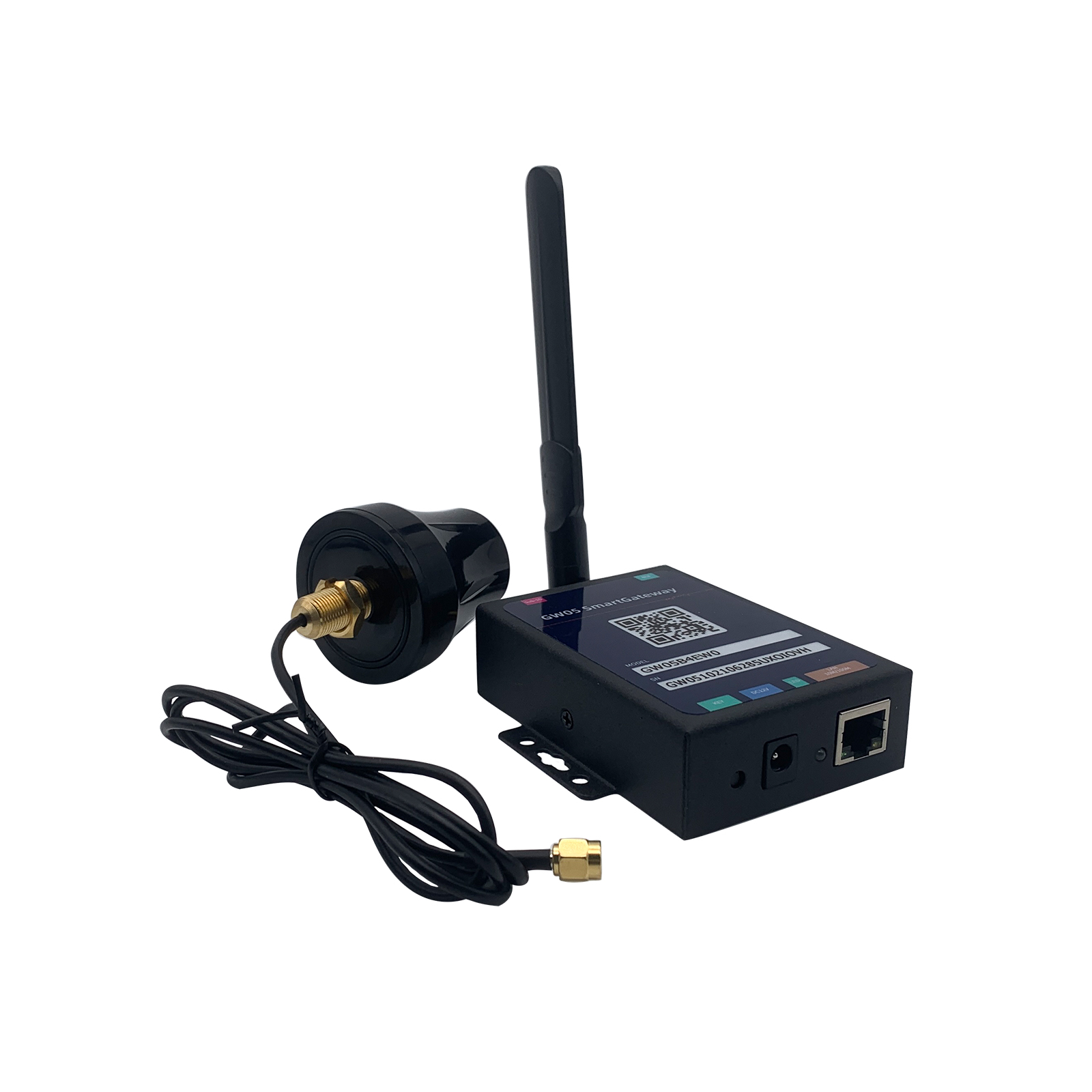
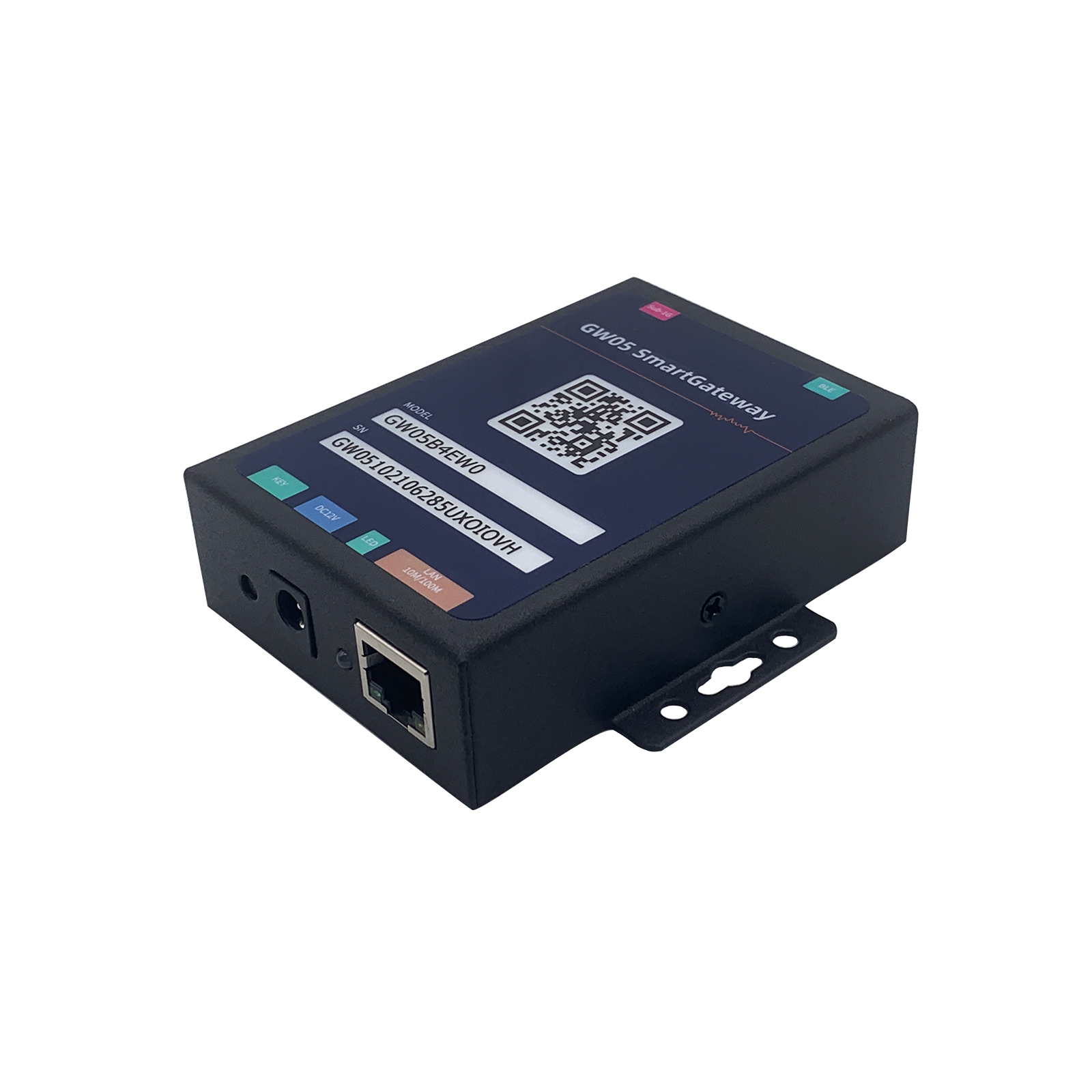
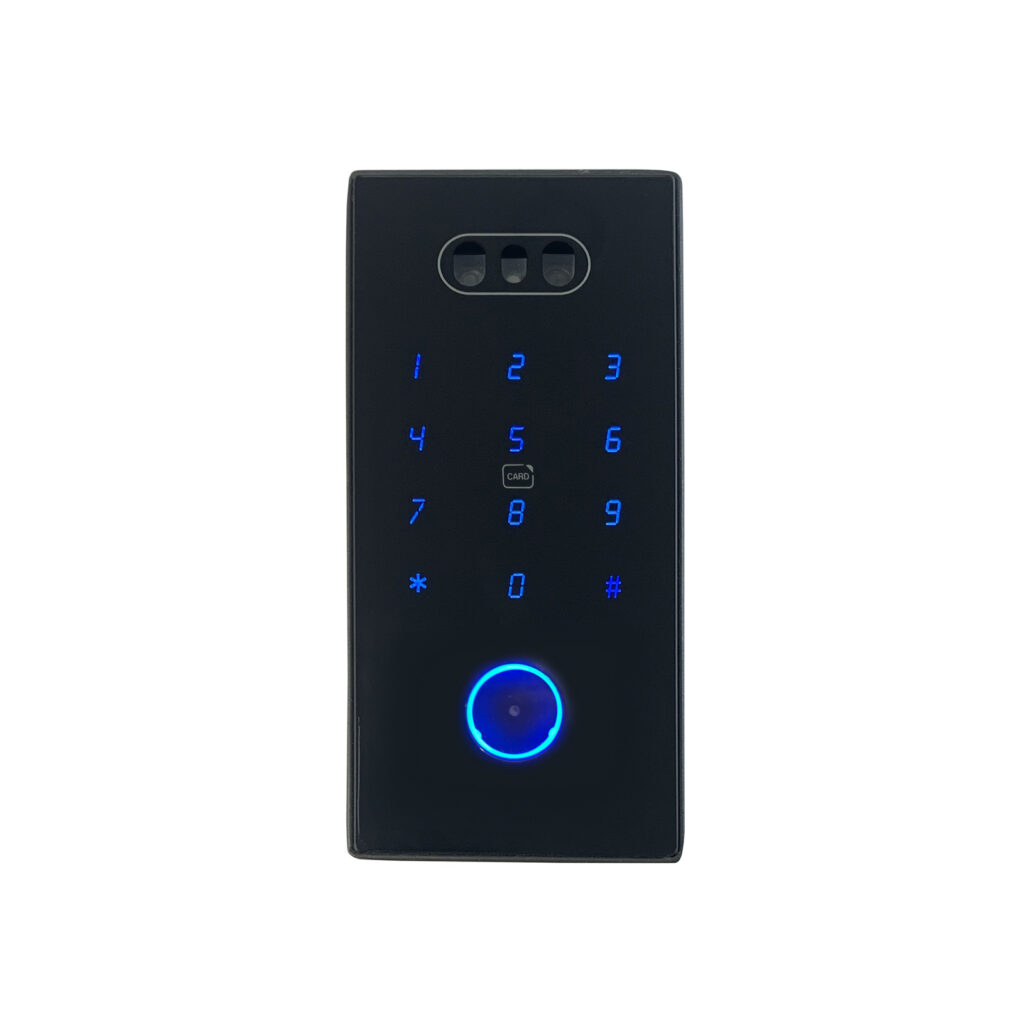
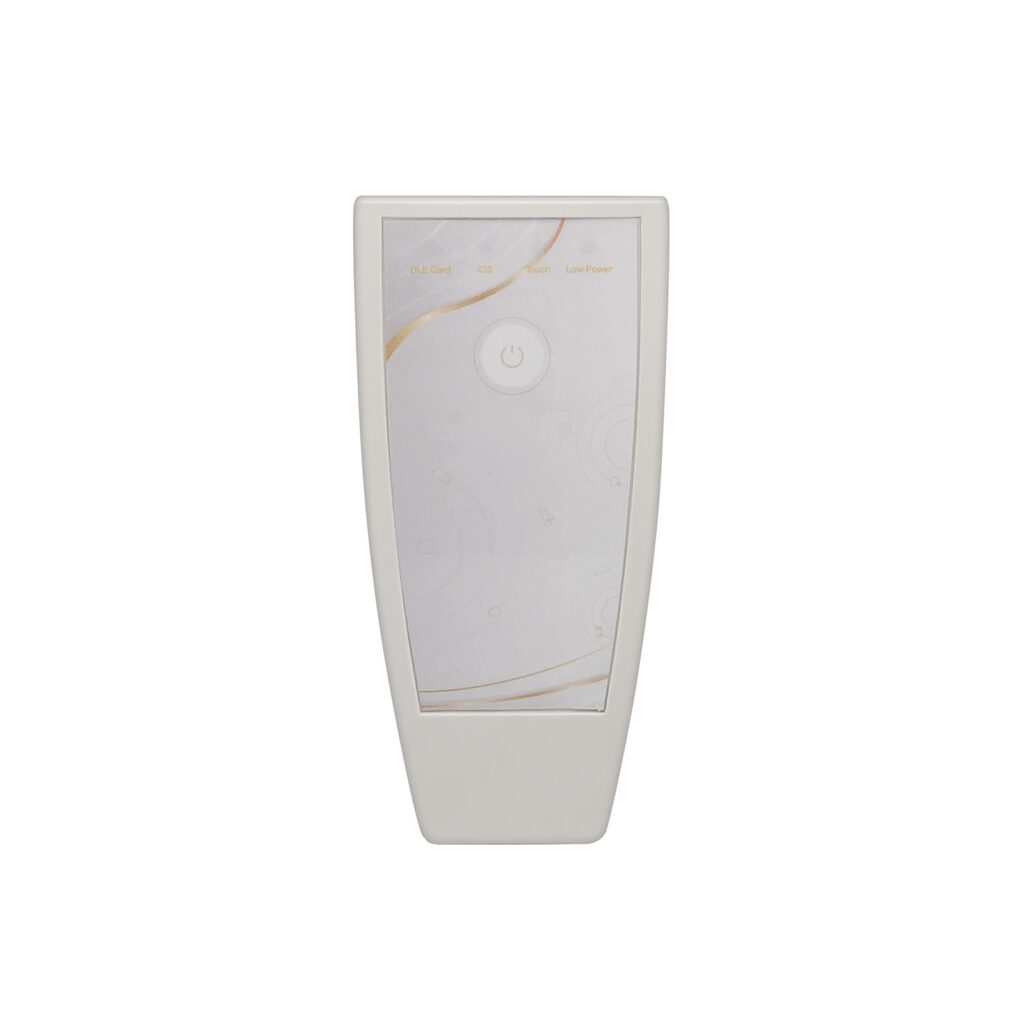
1.2 Product image
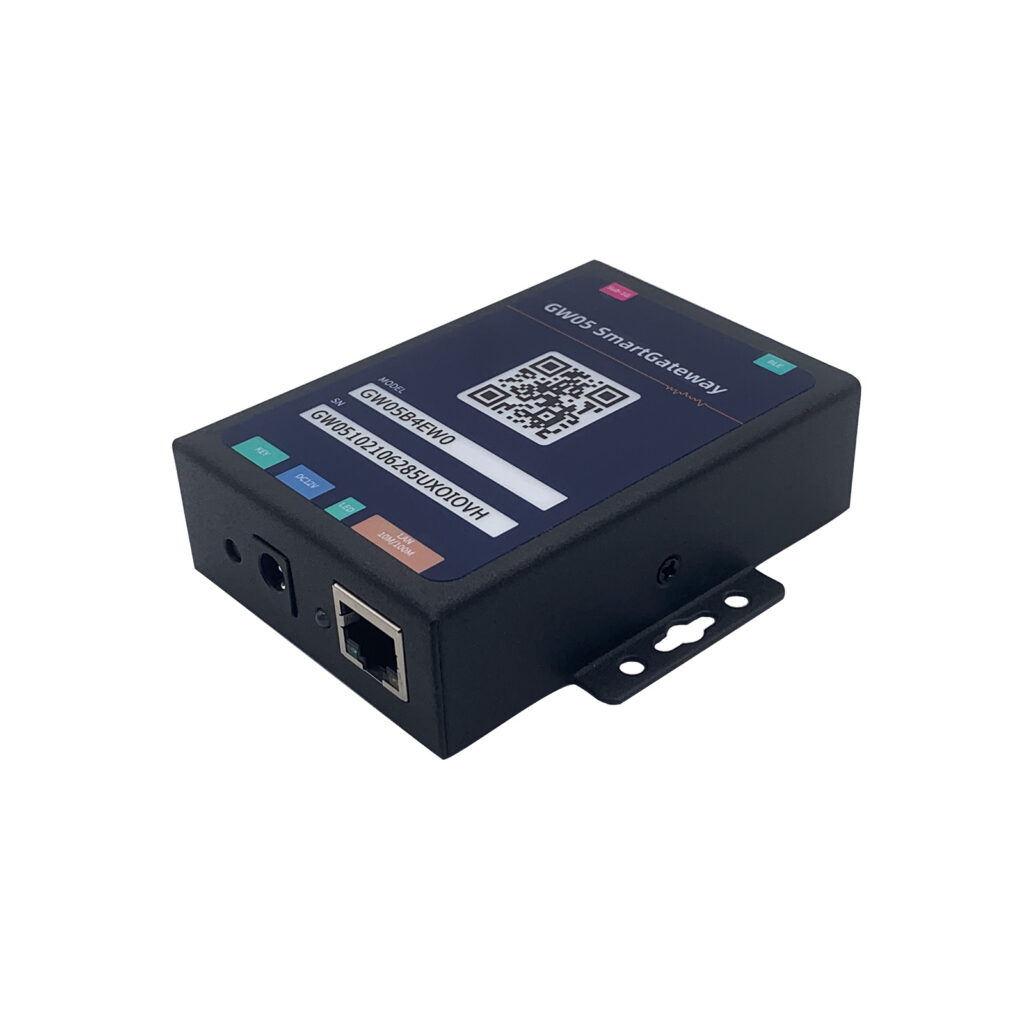
1.3 functional characteristics
- Supports Sub-1G and BLE-connected smart locks.
- Supports Ethernet (10/100 Mbps) connectivity to the server.
- Supports configuration of a Wi-Fi hotspot gateway.
- Support for a network connection option that automatically obtains or uses a static IP address.
- Support for customizing the server IP address
- The Sub-1G band supports 11 physical channels with physical isolation between channels, thereby reducing interference.
- Sub-1G frequency range: 432.5–435 MHz
- Supports the BLE 4.2 communication protocol.
1.4 function Introduction
As shown in Table 1.1, this section provides an overview of the functions of the GW05 gateway.
Table 1.1 GW05 Gateway Features
| function | parameter |
| way of encryption | n RSA1024 asymmetric encryption algorithm
n AES128 |
| Wireless Standards | n BLE4.2
n Sub-1G(433MHz) |
| Sub-1G standard | n Frequency range: 432.5 MHz–435.5 MHz
n Wireless channels: 11 n Communication rate: 10 kbps n Communication range: 100 meters in an open area n Indoor distance: radius of 15–20 meters |
| Networking functionality | Ethernet 10/100 Mbps |
| Distribution Network Model | Supports Wi-Fi hotspot configuration networking. |
| voltage range | 12V |
| working temperature | -10~65℃ |
| relative humidity | 20%~93% |
| Dimensional Description | 92.2 mm × 65.4 mm × 26.2 mm (excluding the antenna) |
| Software Support | Wishome , WisApartment , Ldlock , LDRenting HTlock(Local server) |
1.5 operation declaration
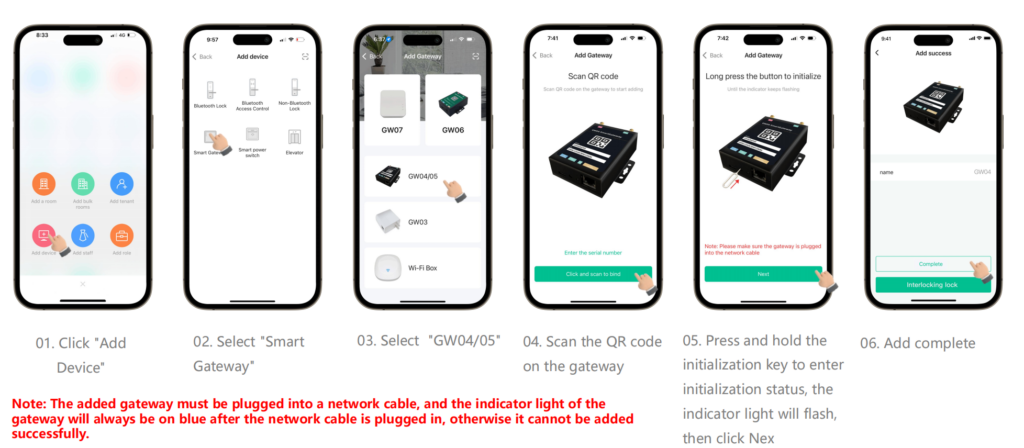
After logging into the Huixiang Apartment app, tap the “+” icon below → select “Add Device” → select “Smart Gateway” → select the “GW04/05” gateway → tap “Scan” to scan the QR code on top of the gateway → follow the on-screen instructions, then tap “Next” → wait for the gateway to be added → once addition is complete, tap “Bind Gateway” in the corresponding room → tap “Add Most Recently Used Gateway” to complete the gateway binding.
1.6 External dimensions
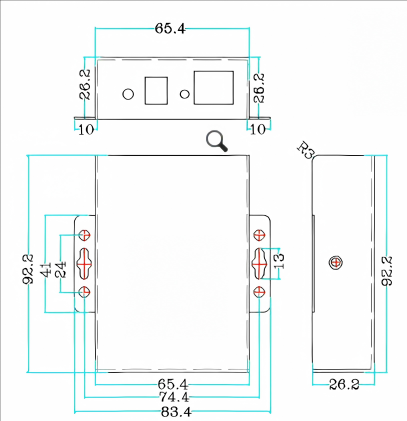
Figure 1.2: External dimensions diagram of GW05
2. GW05 Gateway Auditory and Visual Alert
Figure 2.1 GW05 Gateway Auditory and Visual Indication
| GW05 Gateway Auditory and Visual Alert | ||
| Auditory and visual alert
functional status |
Indicator light status | |
| GW05 Gateway Status | Initial state | Blue light flash (three times per second) |
| Not connected to the network / Connecting to the network | Blue light flashing slowly (once per second) | |
| Network connection successful | Constantly bright | |
| OTAupgrade | Red-and-blue alternating pop-up display | |
| Ethernet initialization failed. | The red light remains constantly on. | |
Reviews
There are no reviews yet.