


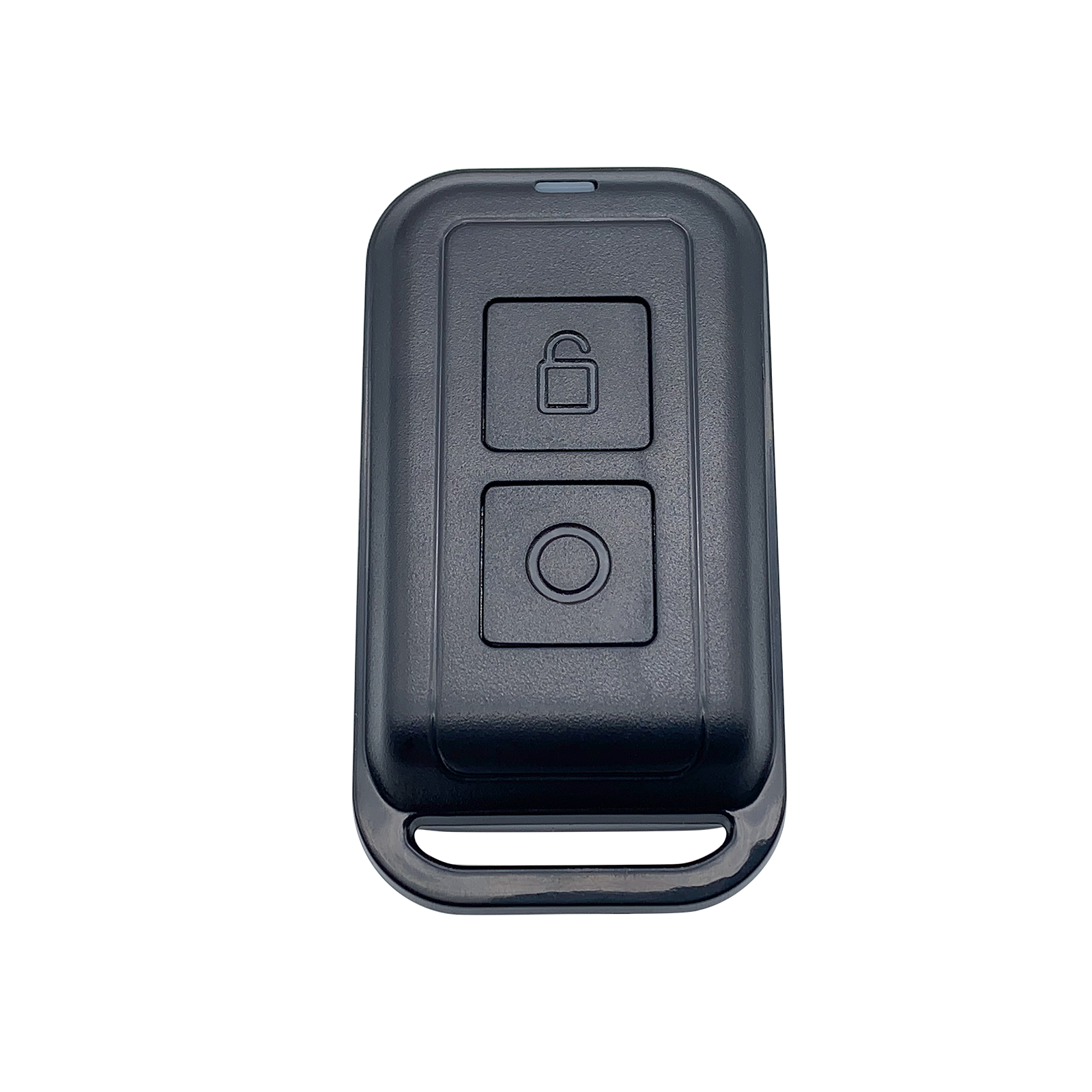
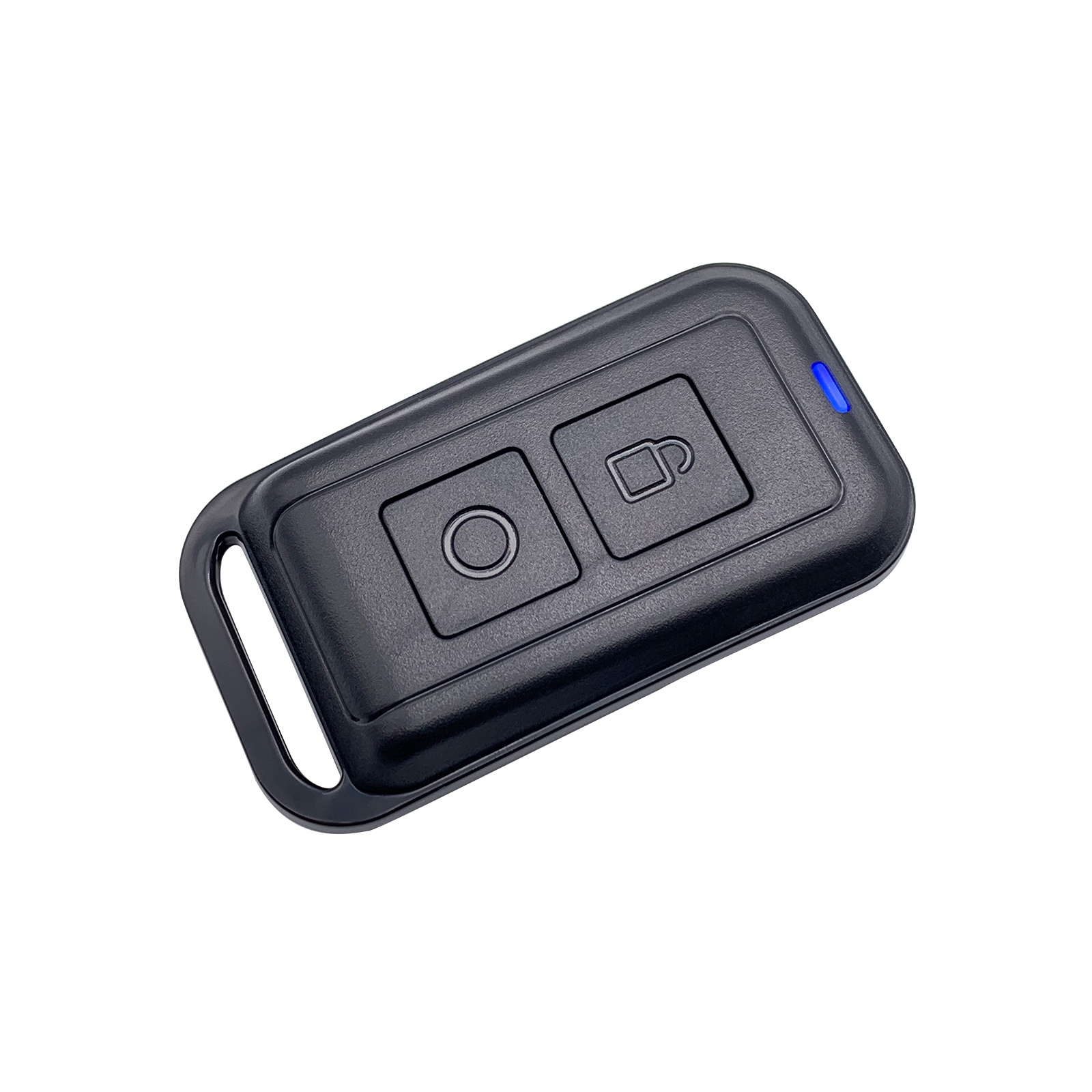
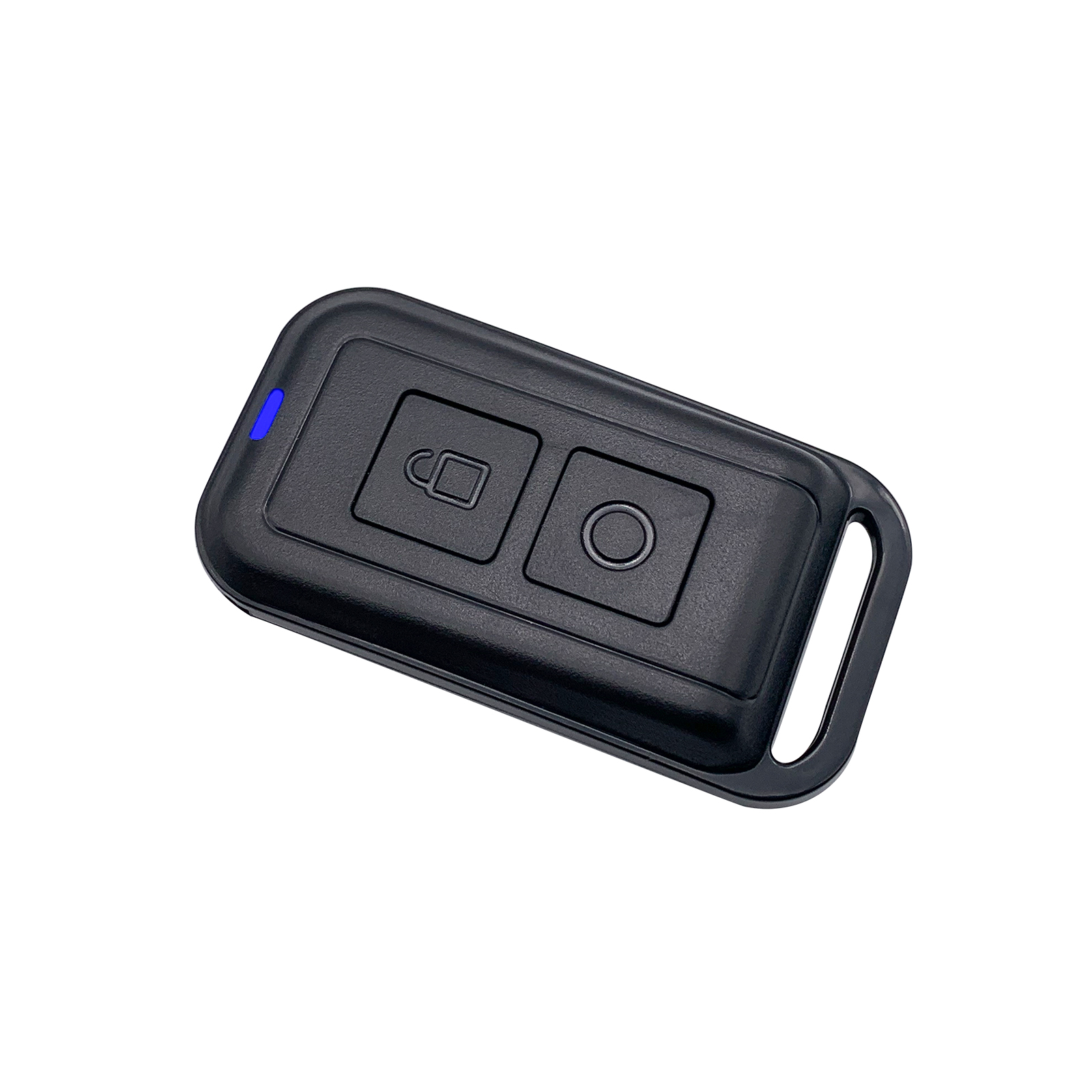
Description
catalogue
1. Product Overview
1.1 Overview
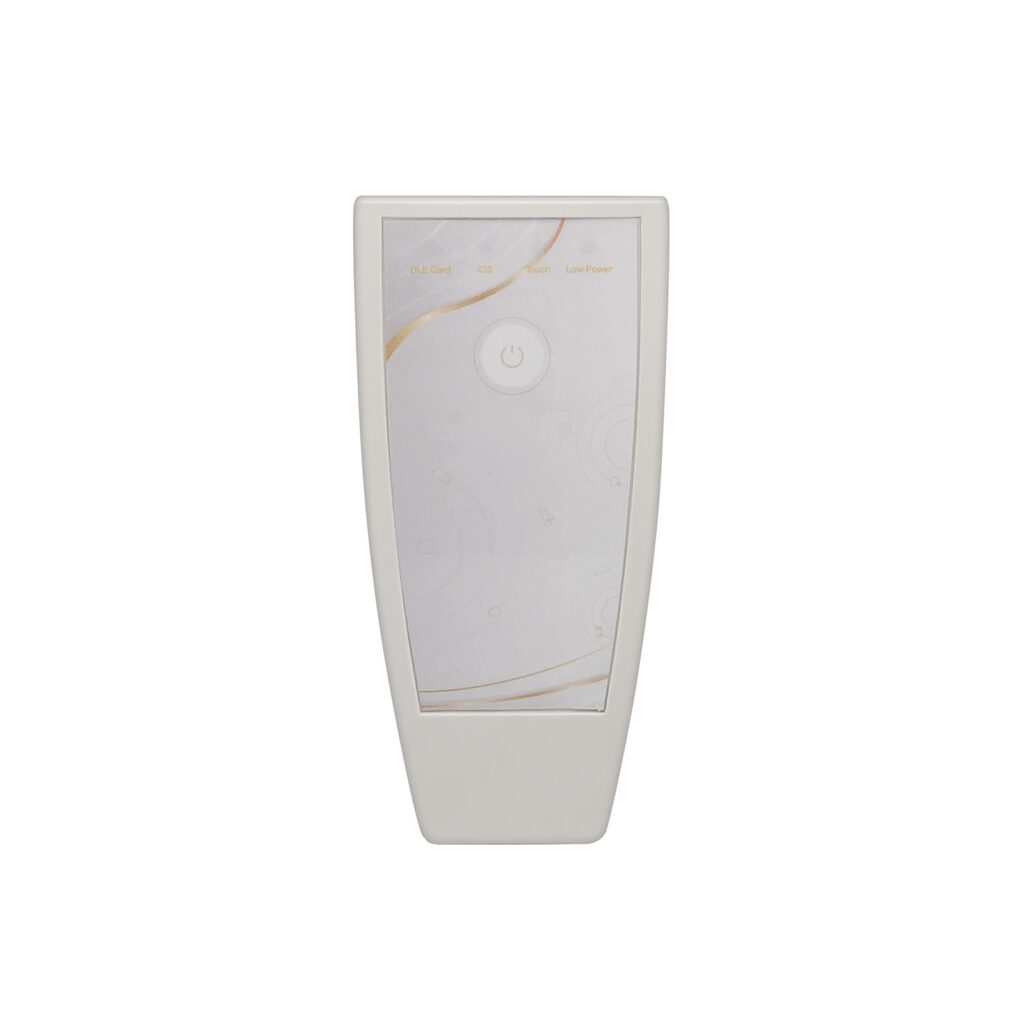
The TXRM-F58-V3 remote control is a locking device that utilizes the wireless remote-control function of the remote-control key, allowing doors to be opened and locked from a distance without inserting the key into the lock slot. It must be used in conjunction with a 433 MHz module. It can be used in various settings, including homes, hotels, rental properties, and warehouses, significantly enhancing convenience in daily life.
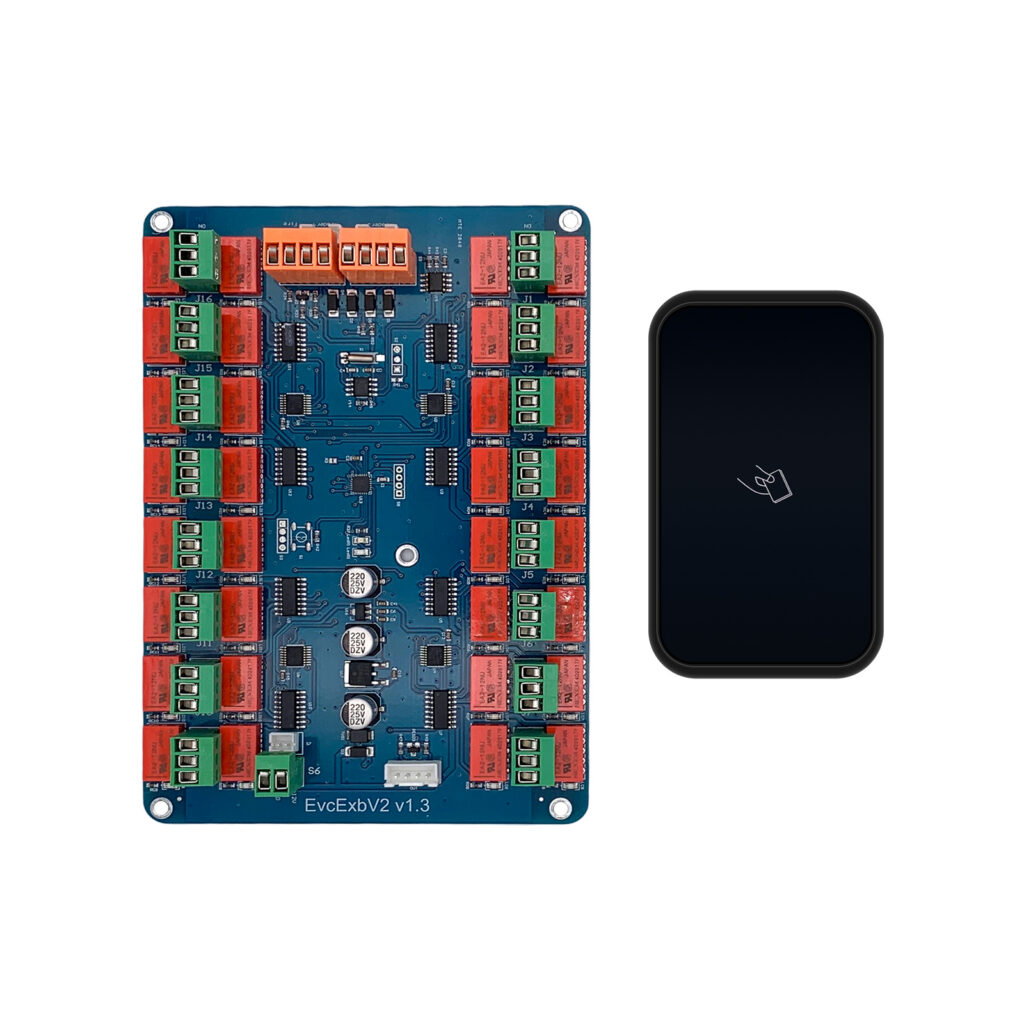
1.2 Product image
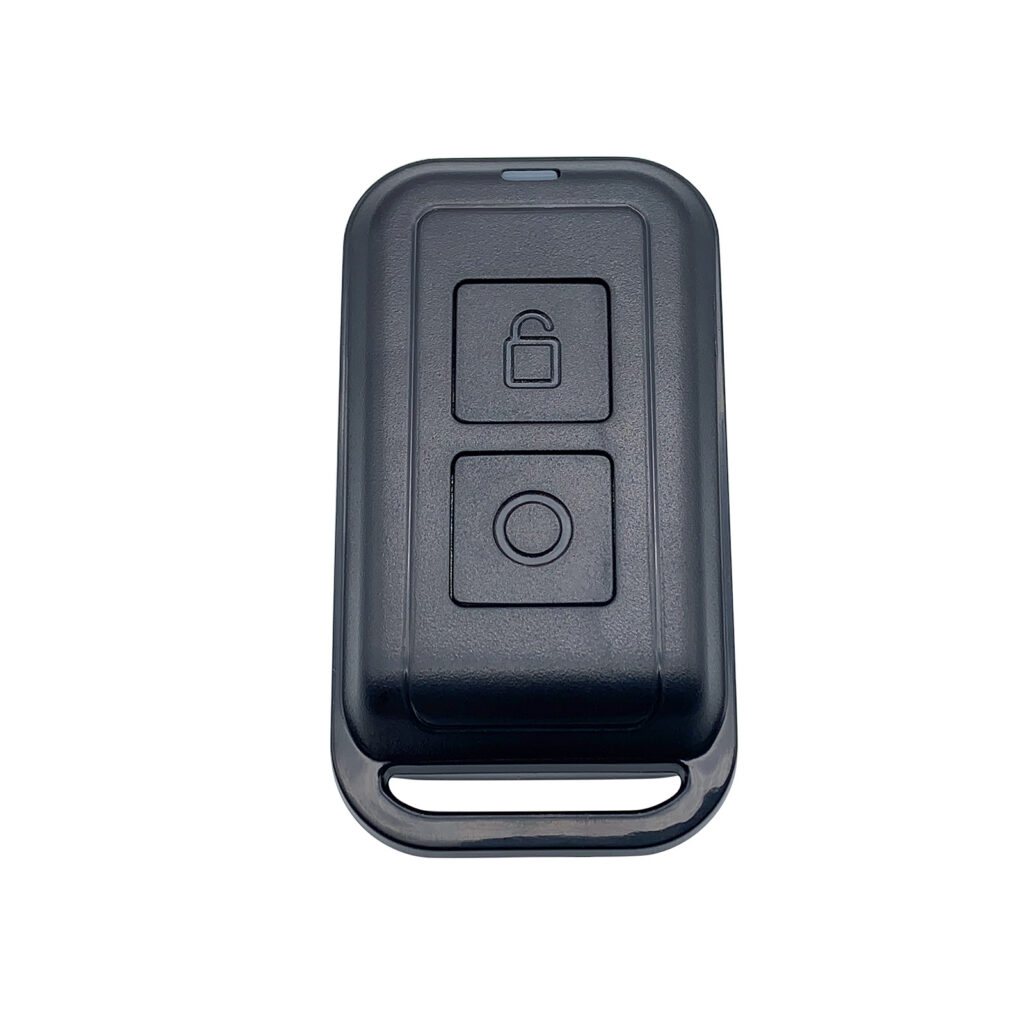
1.3 Functional Features
- Easy to operate and easy to carry
- Remote one-touch unlocking is possible.
1.4 Feature Overview
As shown in Table 1.1, this section provides an overview of the functions of the TXRM-F58-V3.
Table 1.1 TXRM-F58-V3 Remote Control Features
| function | parameter |
| key | Locking key & Setting key |
| Connection mode | Must be used in conjunction with the 433 module. |
| communication distance | Indoor distance: 15 meters |
| working power supply | 12 V, 27 A (single-cell high-voltage alkaline battery) |
| Software Support | RHuixiangjia RHuixiang Apartment R HTLock Management System |
2. Indicator light
The indication of the indicator light is shown as in Table 2.1.
Table 2.1 Explanation of Indicator Lights
| Function Name | functional description | Lighting indication |
| Default state | The default factory setting is 6 channels, and the device operates in low-rate mode. | Default status indicator light prompt:
First second: constant illumination for 1 second; Second second: flash six times, with each flash lasting 50 ms. |
| Lock-opening button | When the device is not in setup mode, pressing the unlock button will cause the indicator light to illuminate for 2 seconds:
The first second indicates low-and high-speed operation: the low-speed indicator remains lit continuously for 1 second; during the high-speed operation, the indicator flashes twice in the first second, with each flash lasting 250 ms. The second second serves as the channel indicator: channels 1 through 12 flash respectively 1 through 12 times, with each flash lasting 50 ms. After issuing the command, immediately disconnect the power supply and enter sleep mode. |
|
| Enter settings mode | Press and hold the Settings button for more than 10 seconds to enter Settings mode.
While in the setup mode, the setup button must not be released. |
After entering configuration mode, the indicator will flash three times, with each flash lasting 200 ms and the intervals between flashes also being 200 ms. |
| Configure the channel and communication rate | After entering configuration mode, press the unlock button to set the channel and communication rate. (During the entire configuration process, do not release the configuration button.) | Each press toggles the rate and channel; the corresponding channel and rate are indicated by the unlock indicator light.
The first second indicates low-and high-speed operation: the low-speed indicator remains lit continuously for 1 second; during the high-speed operation, the indicator flashes twice in the first second, with each flash lasting 250 ms. The second second serves as the channel indicator: channels 1 through 12 flash respectively 1 through 12 times, with each flash lasting 50 ms. In setup mode, the sequence of operations for configuring the channel and rate is as follows. Once you enter setup mode, high-speed mode is the default setting. First press of the unlock button: Channel 6, high speed Press the lock-opening button twice: Channel 1, high speed. Press the lock-release button for the third time: Channel 2, high speed Press the lock-release button for the fourth time: Channel 3, high speed Press the lock-opening button for the 5th time: Channel 4, high speed Press the lock-unlocking button for the sixth time: Channel 5, high speed. Press the lock-opening button for the 7th time: Channel 7, high speed Press the lock-release button for the 8th time: Channel 8, high speed. Press the lock-release button nine times: Channel 9, high speed. Press the lock-opening button 10 times: Channel 10, high speed. Press the unlock button 11 times: Channel 11, high speed
After entering configuration mode, press and hold the unlock button for 5 seconds. The wireless module will then enter low-speed mode: the indicator light will flash four times, with each flash lasting 200 ms and the intervals between flashes also being 200 ms. First press of the unlock button: Channel 6, low rate Press the lock-release button twice: Channel 1, low rate Press the lock-release button for the third time: Channel 2, low rate. Press the lock-release button for the fourth time: Channel 3, low rate. Press the lock-release button for the 5th time: Channel 4, low rate. Press the lock-release button for the 6th time: Channel 5, low rate Press the unlocking button for the 7th time: Channel 7, low rate. Press the lock-release button for the 8th time: Channel 8, low rate. Pressing the lock-release button ninth time: Channel 9, low rate Press the lock/unlock button for the 10th time: Channel 10, low data rate Press the unlock button 11 times: Channel 11, low data rate |
| Exit setup mode | To exit setup mode, simply release the two buttons. | |
| factory data reset | When the device is powered off, first press and hold the Settings button, then press and hold the Unlock button. If this is held for more than 20 seconds and the light remains on continuously for 3 seconds, the device will automatically revert to its factory settings.
When the real-time operating voltage of the 12 V battery falls below 10 V, the device may fail to properly restore to its factory settings. Please replace the battery with a new one and then try restoring the factory settings again. |
Factory settings: channel 6 is selected, and low-speed mode is enabled. |
Reviews
There are no reviews yet.